Reliable PDF to DWG Services by Design Presentation
In architecture, engineering, and construction industries, time and accuracy are both vital. Professionals often work with technical drawings that must be editable for revisions, updates, and collaboration. However, many of these files are shared in PDF format—useful for viewing, but not for editing.
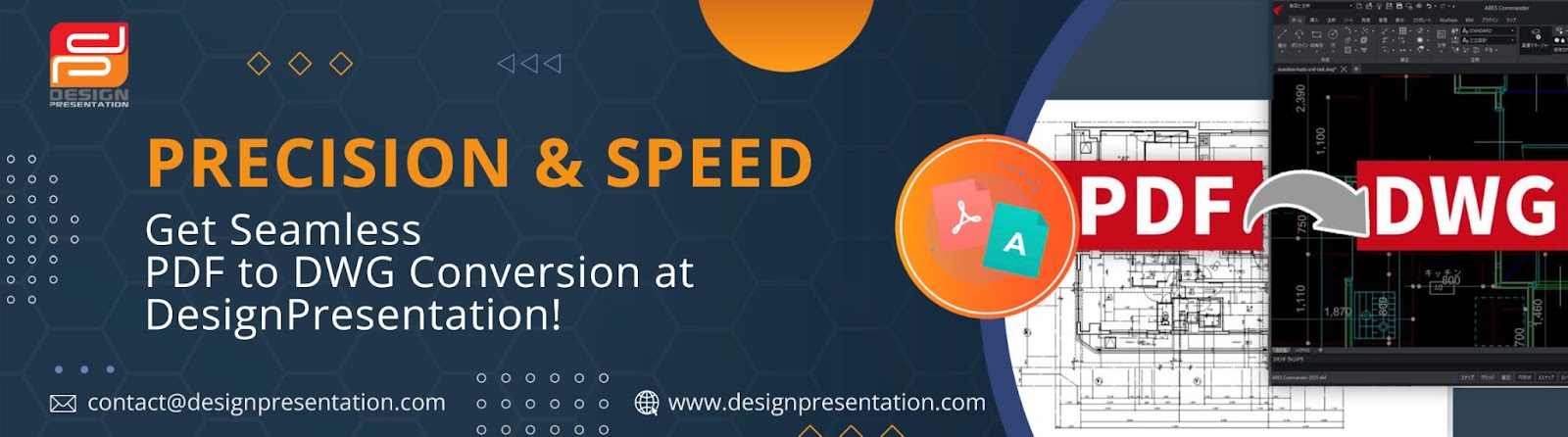
This is where DWG files come into play. A DWG file allows complete editing capabilities within CAD software like AutoCAD. But converting a PDF into a usable DWG format isn’t always straightforward. That’s why many design professionals turn to Design Presentation, a trusted service provider that focuses on manual, high-precision PDF to DWG conversions.

Why PDF to DWG Conversion Matters
Most project drawings are shared as PDFs because they’re easy to open and share. However, PDFs are not editable in CAD programs. When someone needs to modify a line, adjust a measurement, or update a drawing—especially in the middle of a large project—they need that drawing in DWG format.
Manual redrawing is time-consuming and prone to human error. Automated conversion software may sound convenient, but it often leads to inaccuracies—such as overlapping lines, missing elements, or incorrect scaling. These issues can compromise the entire project.
A professional conversion service ensures that the drawing is not only editable but also accurate and properly layered—ready to work with immediately.
The Design Presentation Approach
Design Presentation has been providing CAD support services for over two decades. Their strength lies in combining skilled professionals with structured processes that focus on clarity, precision, and client requirements.
Here’s how they do it differently:
Manual Expertise
Unlike many platforms that rely purely on software for conversions, Design Presentation employs experienced CAD drafters who manually recreate and refine drawings. This approach ensures that the final file is not just a technical match but a true working file that designers and engineers can trust.
Project Understanding
Before starting the conversion, their team carefully reviews the PDF files to understand their structure and complexity. They don’t just trace images—they interpret the intent behind each element, whether it’s a line weight, hatch pattern, or text annotation.
Accuracy Over Speed
Design Presentation prioritizes getting things right the first time. While they do offer quick turnaround times, they never sacrifice accuracy just to deliver faster. Every drawing is checked and cross-verified before delivery, ensuring that it meets the expected drafting standards.
Customization
Not all projects are the same. Whether it's an old scanned drawing, a clean digital PDF, or a large set of drawings, Design Presentation adjusts their approach based on the specific needs of each file. They also accommodate standards related to layers, fonts, dimensions, and title blocks.
Industries That Rely on This Service
Design Presentation works with professionals across multiple industries:
Architecture:- Renovation, space planning, and construction documentation.
Engineering:- Electrical, mechanical, and structural drafting updates.
Construction:- Site layouts, interior fit-outs, and field markups.
Real Estate:- Leasing plans and space measurement drawings.
Government:- Secure file handling and compliance-ready conversions.
No matter the field, the common need is clear: clean, editable files that save time and reduce risk.
Real-World Example
Consider an architect who receives a building layout from a client in PDF format. It contains dimensions, electrical plans, and structural notes. Instead of starting from scratch, the architect sends the file to Design Presentation. Within the agreed timeframe, they receive a layered DWG file—with text, lines, and symbols exactly where they need to be. There’s no need to clean up the file, just open it in AutoCAD and start working.
This real-world benefit—of accuracy combined with readiness—is what keeps professionals coming back.
How to Get Started
If you're ready to simplify your workflow, it's easy to begin.
👉 Click here to visit PDF TO DWG official website and upload your files. Share your project details using the submission form. Once submitted, a team member will review your needs and respond quickly to discuss timelines, pricing, and any custom requirements.
You won’t be dealing with bots or auto replies—you’ll get a real person who understands CAD.
Conclusion
For professionals who need accurate, editable CAD files from static PDFs, Design Presentation offers a trustworthy, hands-on solution. With a focus on manual detail, quality control, and customer satisfaction, their services are far more than just conversions—they are a bridge between legacy files and future-ready designs.
Avoid the risks of generic tools and shortcuts. Partner with a service provider that treats your project with the care and precision it deserves.

Comments
Post a Comment