Simplify Your Workflow with PDF to DWG Conversion
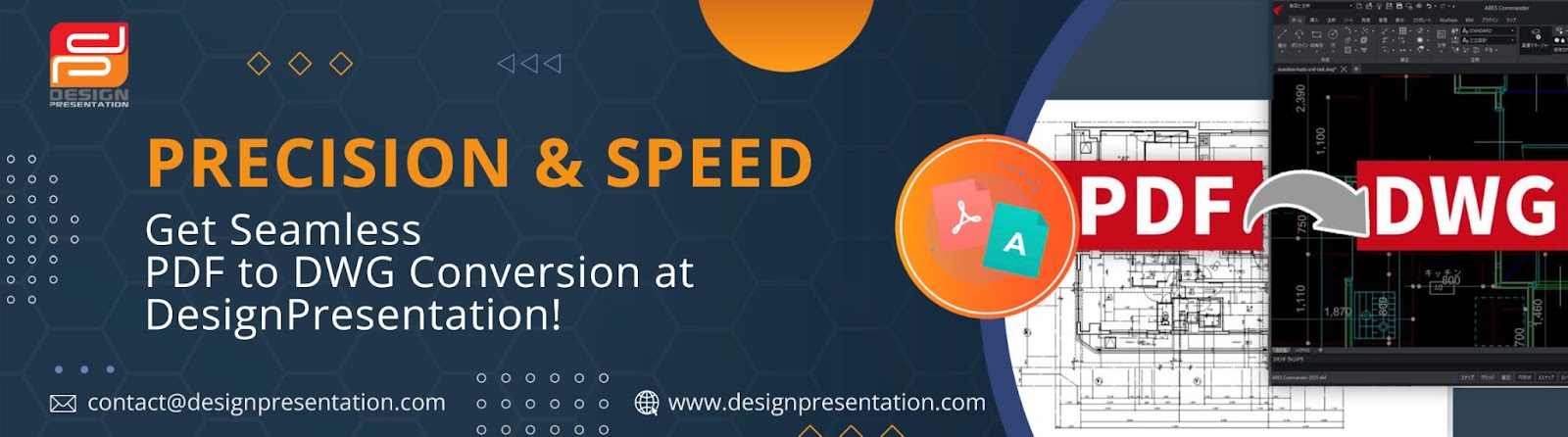
When working in architecture, engineering, or design, having accurate and editable files is essential. If you’ve ever struggled with modifying a PDF, you know how frustrating it can be. That’s where PDF to DWG conversion comes in—turning static PDFs into fully editable CAD files, saving you time and effort.

Why Convert PDF to DWG?
PDFs are excellent for sharing designs, but they aren’t built for editing. Converting your PDF to DWG offers several key benefits:
✅ Easy Editing – Make modifications without redrawing everything.
✅ Accuracy Matters – Preserve dimensions, layers, and line weights.
✅ Time-Saving – Work faster and eliminate manual tracing.
Choosing the Right PDF to DWG Converter
Not all conversions are created equal! Using a professional PDF to DWG conversion service ensures precision and efficiency. That’s where Design Presentation comes in, providing expert solutions tailored to your design needs.
Why Trust a Professional PDF to DWG Conversion Service?
🔹 Precise Scaling – Keeps the original measurements intact.
🔹 Layered Output – Converts multi-layer PDFs into structured DWG files.
🔹 Smooth Workflow – Eliminates tedious manual work.
🔹 AutoCAD Ready – Files are fully compatible with major CAD software.
How to Convert PDF to DWG in a Few Simple Steps
Transforming your PDF to DWG with Design Presentation is quick and easy:
Step 1: Upload Your PDF
Head over to Design Presentation’s PDF to DWG conversion page and submit your file. Clear and high-quality PDFs deliver the best results.
Step 2: Share Your Preferences
Need specific layers, scaling adjustments, or text recognition? Let us know, and we’ll customize your conversion.
Step 3: Professional Processing
Our team of experts will accurately convert your PDF into a fully editable DWG file while maintaining all essential design elements.
Step 4: Quality Check
Every converted file undergoes a thorough review to ensure accuracy before it’s delivered to you.
Step 5: Download & Start Designing
Once the conversion is complete, your editable DWG file will be ready for immediate use in AutoCAD or any other CAD software.
Get Started with PDF to DWG Conversion Today!
Stop wasting time on manual tracing and redrawing. Convert your PDF to DWG quickly and accurately with Design Presentation and focus on what truly matters—your designs!
👉 Visit Design Presentation today and streamline your workflow!


Comments
Post a Comment