DesignPresentation: PDF to DWG Conversion Made Easy
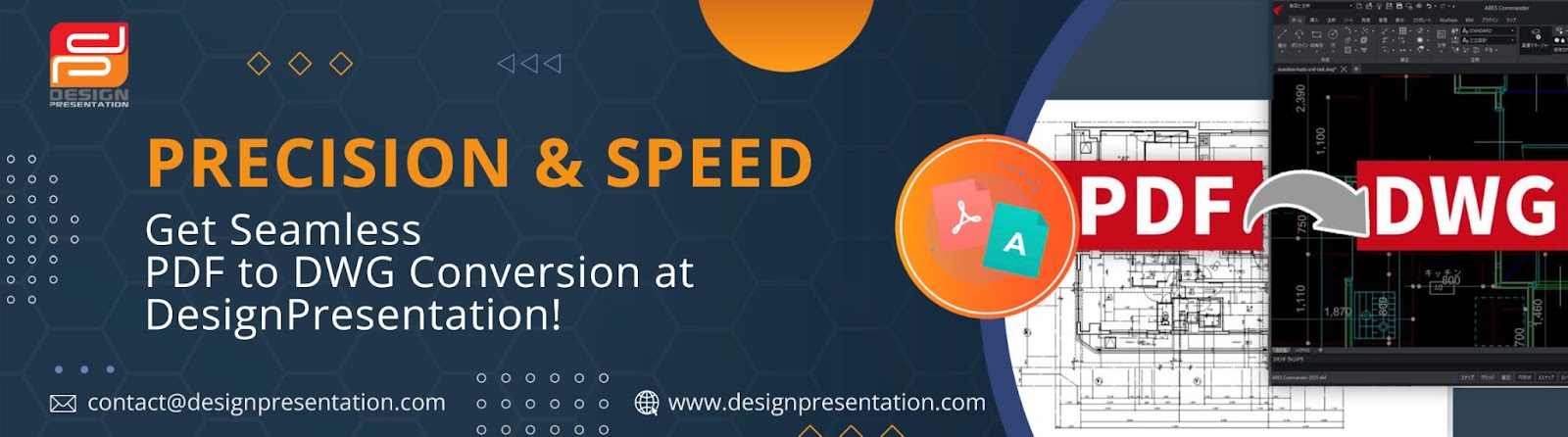
For professionals in architecture, engineering, and design, working with editable CAD files is essential. However, PDFs, while commonly used for sharing and documentation, are not meant for direct editing. This limitation can slow down workflows, making modifications time-consuming and inefficient. Converting PDFs to DWG files solves this problem, allowing for smoother edits, better collaboration, and precise adjustments.

Why Convert a PDF to DWG?
PDF files may store design information, but they lack the flexibility needed for seamless CAD modifications. Converting a PDF into a DWG file provides several benefits:
✅ Easier Editing:- Modify layouts, dimensions, and objects without redrawing from scratch.
✅ Improved Collaboration:- Work with CAD-compatible files that integrate easily into AutoCAD and other software.
✅ Precision & Accuracy:- Maintain original measurements, line weights, and structure for professional results.
✅ Time & Effort Savings:- Avoid manually tracing or recreating drawings, speeding up project timelines.
Seamless PDF to DWG Conversion with Design Presentation
When accuracy matters, relying on automated software may lead to errors and inconsistencies. That’s why Design Presentation offers manual PDF to DWG conversion, ensuring that every line, layer, and detail is carefully recreated for a fully editable CAD file. Whether you’re working with scanned drawings, technical schematics, or architectural blueprints, our experts ensure the highest level of precision.
How to Convert Your PDF to DWG with Design Presentation
Getting your PDF converted into an editable DWG file is a simple and hassle-free process:
1️⃣ Go to the Website:- Visit the PDF to DWG Conversion page.
2️⃣ Upload Your File:- Submit your PDF document for conversion.
3️⃣ Specify Your Preferences:- Let us know if you need features like layer separation, text recognition, or custom scaling.
4️⃣ Expert Conversion Process:- Our specialists manually convert your file to ensure accuracy.
5️⃣ Download Your DWG File:- Once complete, access your high-quality, fully editable CAD file.
Why Choose Design Presentation?
Expert Precision:- Every file is manually converted by professionals to avoid common errors found in automated tools.
Accurate & Editable Output:- Maintain original design integrity for effortless modifications.
Custom Solutions:- Get conversions tailored to your specific project requirements.
Fast Turnaround:- Receive your DWG file quickly, without sacrificing quality.
Get Started Today!
If non-editable PDFs are slowing down your workflow, it’s time to switch to a better solution. Convert your PDF to a fully editable DWG file with Design Presentation and take your design process to the next level. Upload your file today and experience seamless CAD conversion!


Comments
Post a Comment