Your Guide to PDF to DWG Conversion
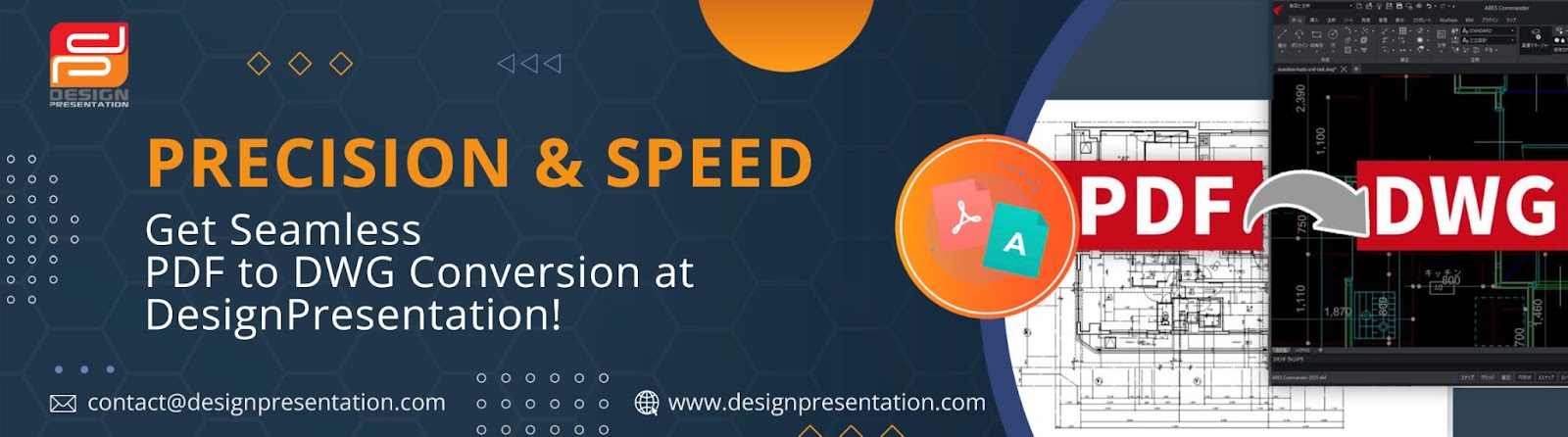
For architects, engineers, and designers, working with editable CAD files is a necessity. However, since PDFs are not designed for editing, making changes can be time-consuming and inefficient. That’s where PDF to DWG conversion comes in—helping professionals seamlessly transform static PDFs into fully editable AutoCAD files for easier modifications and improved workflow.

Why Convert a PDF to DWG?
PDFs are great for sharing designs, but they don’t allow for easy adjustments. By converting a PDF into a DWG file, you can:
✔ Make Quick Edits:- Modify drawings, dimensions, and layouts without redrawing from scratch.
✔ Improve Collaboration:- Work efficiently with CAD files that can be adjusted and shared easily.
✔ Maintain Accuracy:- Preserve layer structures, line weights, and precise scaling for professional drafting.
Seamless PDF to DWG Conversion with DesignPresentation
A precise conversion is crucial to ensure your design stays intact. DesignPresentation specializes in transforming PDFs into high-quality, editable DWG files, whether through automated vectorization or manual expert conversion for intricate drawings.
How to Convert a PDF to DWG with DesignPresentation
1️⃣ Go to DesignPresentation.com:- Visit our PDF to DWG conversion service page.
2️⃣ Upload Your PDF:- Submit your file for processing.
3️⃣ Choose Your Conversion Method:- Pick Auto-Vectorization (Free) or opt for a manual expert conversion for precision.
4️⃣ Customize Your Preferences:- Specify details like layer separation, scaling adjustments, or special requests.
5️⃣ Download Your DWG File:- Once ready, your editable DWG file will be sent directly to you.
Why Professionals Choose DesignPresentation
✅ Years of Experience:- Trusted by architects, engineers, and designers worldwide.
✅ High-Quality Conversions:- Our team ensures every detail is accurately translated.
✅ Design Integrity Preserved:- Keep your original layers, scaling, and line weights intact.
✅ Custom-Tailored Solutions:- Get precisely converted files based on your specific needs.
✅ Fast Turnaround Times:- Receive your DWG files quickly without compromising quality.
✅ Free Auto-Vectorization Option:- A speedy, automated choice for simple conversions.
Simplify Your Workflow with PDF to DWG Conversion
Instead of struggling with static PDF drawings, convert them into fully editable DWG files that integrate seamlessly into AutoCAD and other CAD programs. With DesignPresentation, you get a hassle-free solution that saves time and enhances accuracy.
Tailored Solutions for Every Project
Every project is unique, and so are your conversion needs. Whether you need basic vectorization or a detailed, expert-driven conversion, our team ensures your DWG files are ready for immediate use—without errors or inconsistencies.
Trusted by Professionals Around the World
From small firms to large enterprises, thousands of professionals rely on DesignPresentation for high-quality PDF to DWG conversion services that meet industry standards.
Ready to get started? Upload your PDFs today and receive precise, editable DWG files! Visit www.DesignPresentation.com now.


Comments
Post a Comment