Edit PDFs Fast:- PDF to DWG by DesignPresentation.com
If you’ve ever received a design file in PDF format and needed to make changes, you already know how frustrating that can be. PDFs are great for viewing and sharing, but not for editing—especially if you're working with CAD software like AutoCAD.
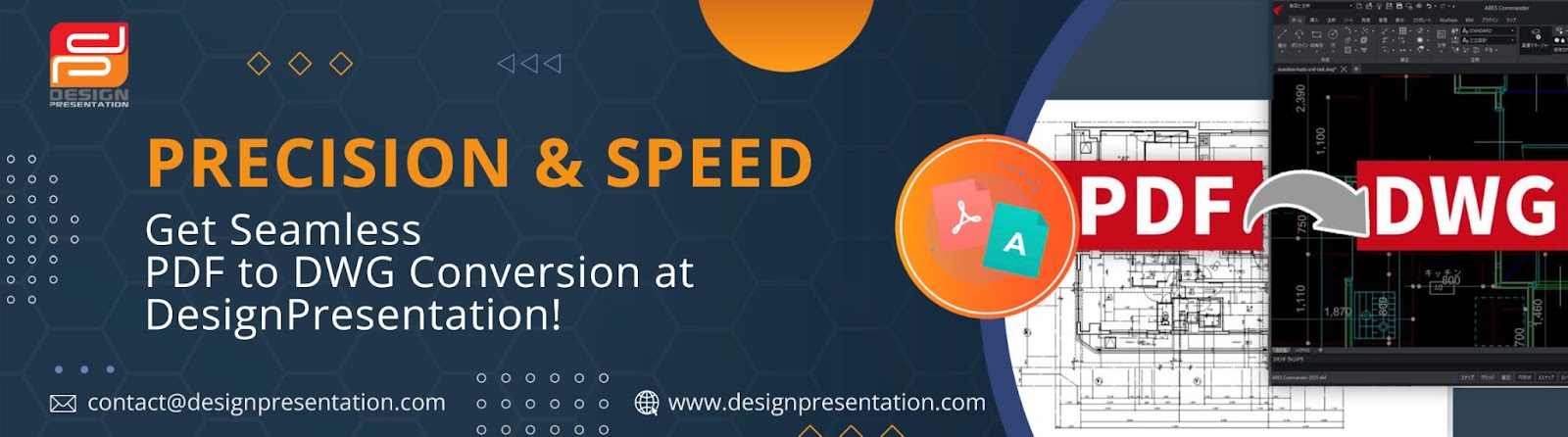
That’s where PDF to DWG conversion comes in. It’s the process that turns a static PDF drawing into an editable CAD file. In this article, we’ll break down what that means, why it matters, and how DesignPresentation.com can help you do it the right way.

First Things First: What’s the Difference Between PDF and DWG?
Let’s simplify it:
A PDF is like a photo of a drawing—it’s fixed, and you can’t really tweak anything without special tools.
A DWG file is the editable version that CAD software uses. Think of it as the source file where you can move lines around, change dimensions, add layers, and more.
So, if someone sends you a floor plan or a mechanical drawing in PDF form, and you need to update or modify it, you’ll need to convert that PDF into a DWG format.
Why You Might Need to Convert PDF to DWG
PDFs are often used for sharing final versions of design files. But when the time comes to make updates or reuse parts of those designs, working with PDFs can be a huge pain. Here’s where conversion makes a real difference:
You need to make changes to an old drawing that’s only available as a PDF.
A client sends you files in PDF format, but you need them editable in AutoCAD.
You want to avoid redoing the entire drawing from scratch, which wastes time and increases the risk of errors.
You’re collaborating with a team, and everyone needs editable, CAD-compatible files.
In all these situations, converting to DWG saves time, reduces frustration, and helps you work more efficiently.
Can You Use an Online PDF to DWG Converter?
Yes, you can. There are plenty of tools online that offer quick PDF to DWG conversion. But here’s the catch—they’re not always reliable.
These automated tools might work fine for simple drawings, but they often mess up when things get complicated. You might run into:
Broken or misplaced lines
Missing or jumbled text
Incorrect scaling
Poor layer management
Files that need a lot of cleanup afterward
So, while a PDF to DWG converter tool can help with basic files, it's not always the best choice for professional work where precision matters.
Why Professional Help Makes a Big Difference
This is where a company like DesignPresentation.com stands out. Instead of depending entirely on software, they use a mix of technology and skilled CAD professionals to do the job right.
They’ve been in the industry for over 20 years, helping architects, engineers, designers, and contractors convert their drawings with speed and accuracy. Whether you’re working on architectural plans, electrical layouts, or product designs, they’ve got you covered.
What Makes DesignPresentation.com a Reliable Choice?
Here’s what you can expect when you work with them:
✅ High Accuracy
They don't just press a button and send you the file. A human expert carefully checks every detail to make sure the drawing looks and functions exactly like the original—only now it’s editable.
✅ Customized Output
Every project is different. DesignPresentation adapts the converted files to match your specific requirements, including layering, text formatting, and CAD standards.
✅ Fast Turnaround Times
Need a file urgently? They offer flexible delivery timelines, even same-day service if you’re in a rush.
✅ Data Security
They take confidentiality seriously. Your files are handled securely, and NDAs are available upon request.
How the Process Works
Getting your drawings converted with DesignPresentation is simple:
Go to their PDF to DWG conversion page.
Upload your PDF file and share your project details.
Get a free quote.
Receive a fully editable DWG file, ready to use in your preferred CAD software.
That’s it. No messy software downloads, no confusing instructions, and no guesswork.
When Should You Avoid DIY Tools?
There are times when using free or low-cost tools just isn’t worth the risk:
You’re working with scanned drawings or hand sketches.
The drawing is complex, with multiple layers, hatching, or special symbols.
You need precise scaling, or you’re working on something with tight tolerances.
You simply don’t have time to fix errors after the fact.
In these situations, it’s better to go with a professional who knows what they’re doing.
Wrapping Up
If your workflow involves CAD and you find yourself stuck with a PDF, don’t waste time trying to redraw the whole thing manually—or fixing a bad conversion job.
A reliable PDF to DWG conversion service like DesignPresentation.com gives you clean, editable CAD files you can trust. It’s efficient, affordable, and tailored to meet your needs.
Ready to stop struggling with uneditable PDFs? Let the experts at DesignPresentation do the hard work for you—so you can focus on designing, building, and creating.


Comments
Post a Comment